Creating and using TMP Color Gradient Presets in Unity for VRChat is easy enough and works just like every other Unity project.
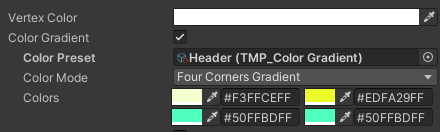
After creating a gradient preset, you can assign it in the inspector of a TextMesh Pro component.
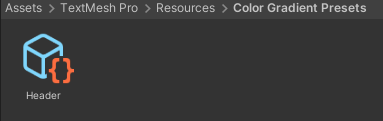
However, it is not possible to dynamically load a gradient preset using inline styling, as VRChat does not include Resources/ folders during compilation.
Example that does not work:
textMeshProComponent.text = "<gradient=\"Header\">This text will not be colored with the gradient preset.</gradient>";